Exchanging Your Clothes Online is Really Easy
With Rehash, you can trade anything you can put on your body, from socks to makeup to dresses. It's easy to do, and results in a new wardrobe. Let's learn how to swap clothes online.
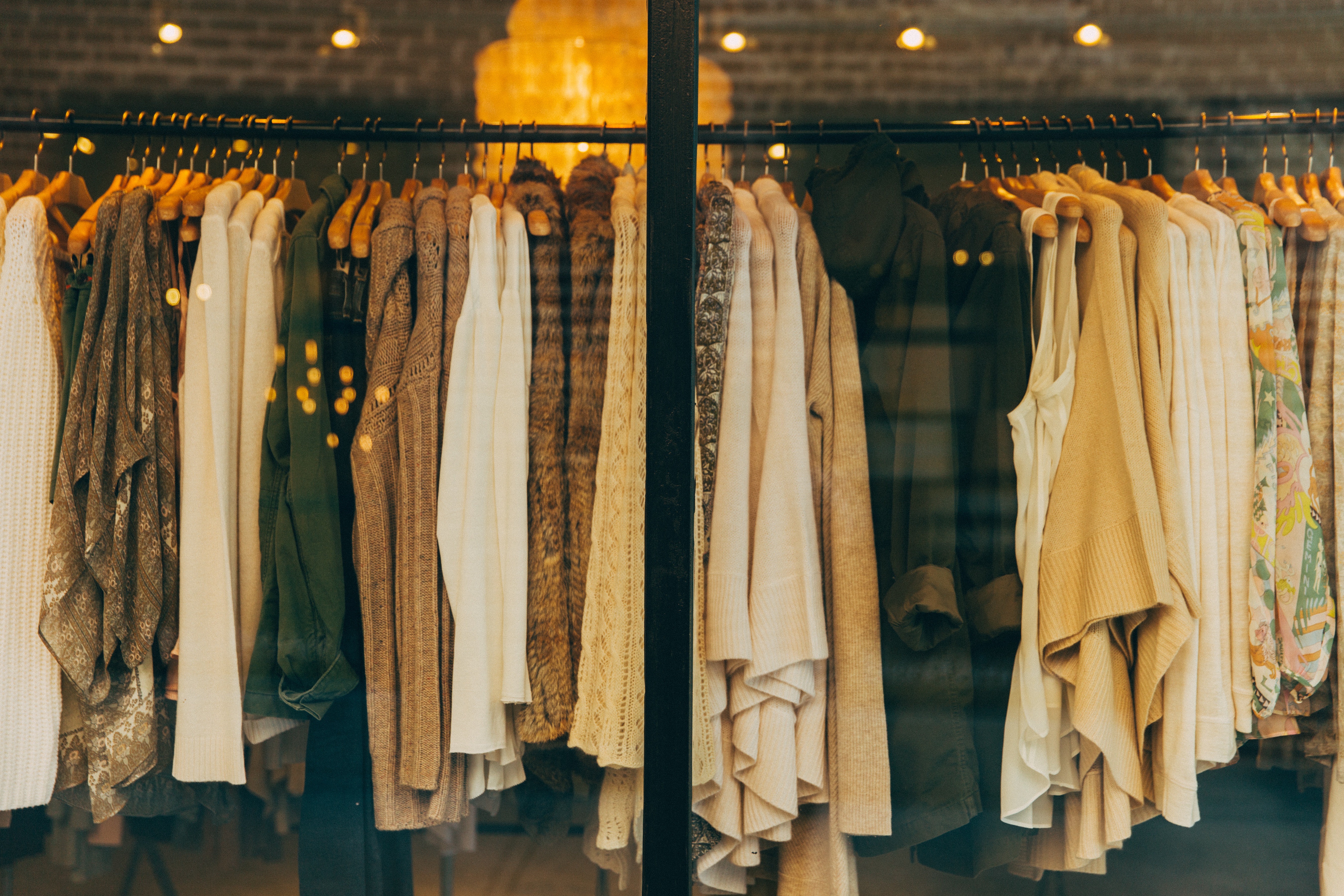
Go Through Your Closet
See that blouse? The one you used to wear but haven't in years? That's a perfect candidate for a swap. As long as it's in OK condition, you can exchange it for something you'll wear.
Find all the jeans, shorts, skirts, shirts, jackets, shoes, accessories, belts, makeup, scarves, purses, hats, and anything else that fits the bill and gather it up. That's your new currency.
Take Photos of Your Clothing
Make sure the lighting is acceptable. If the photo is too dark, no one will be able to see it well, and you probably won't get many trade requests for it.
Try to take at least a couple of photos. Whenever you buy something online, are you content with one photo? Doubtful, so make sure you show people multiple angles, the tags, and maybe even what the item looks like worn. Some members use mannequins, some use their own bodies. Whatever you choose, it's great when others can see the clothing on a body.

Click the "Rehash Something" Button
On a desktop machine, you'll see it on the left sidebar. On mobile, click the menu button on the top left of every page.
The fields should be pretty self-explanatory (or we did a terrible job!), but let's quickly go over them just to be safe.
Required fields:
- Title Give your Rehash a descriptive title. "A shirt" is not very descriptive, but "A green Express medium t-shirt" is a lot better. Keep it concise, but not too concise.
- Category One category is required, but certain categories have up to two sub-categories that better refine your clothes and accessories. For example, if you have a pair of pajamas, you can just select "Women's Clothing", but if you wanted to get more specific (and more viewers) you can select Women's Clothing -> Intimates & Sleep -> Sleepwear.
- Condition We have a few to choose from. Select the one that best matches your clothing. Make sure you're as honest as you can be, because dishonesty can get you some bad karma.
- Size After selecting a category, we try to guess what sort of sizing the garment will use. For example, shoes are sized differently than pants, so we try to get that. You can also give a little more detail, like "runs small".
- Description This is where you tell everyone about the item. You can also explain the condition a little better here. You can write quite a bit in this field, so take your time and paint a picture with your words, you Shakespearean you.
Optional fields:
- Looking For If you're looking for something specific, tell everyone here.
- Tags These are separated by commas and are useful for subcategorizing items. Users can search by tag, so stuff like brand names, store it was bought, and style (think "vintage" or "boho") are great tags to use.
- Photos Upload as many photos as you want. Just drag and drop into the box or click the box to select photos. If you're on mobile, click the box to either select photos from your library or take them with your camera.
- Prominent Color Sometimes a photo you take doesn't convey the color of your clothing the way you see it. You can use this color picking tool to show everyone a more accurate representation of the most prominent color of your Rehash.

Wait For Offers
Once you've submitted your Rehashes, you can start making offers or wait for trade request offers from others. To make an offer, view something you like, and click the "Request a Trade" button. If someone makes you an offer, you can view their Rehashes and click the "Add to Negotiation" button.
Ship Your Stuff
After accepting an offer, you'll ship your items. You can buy and print a USPS label directly from your trade window through Rehash and even schedule a free pickup, or you can take it to your local post office and handle it yourself. Make sure you mark your item as shipped once you do!
Once that's done and you receive your items from the other person, don't forget to leave Karma. If the trade went well (they usually do), leave positive karma and a nice little description of how the trade went. It'll appear on their profile. If it doesn't go well (rare, but it happens), leave negative karma and tell everyone what happened so they can be wary of making trades with that person.